Fixing Lovable Deployment Failures in 2026: Expert Steps

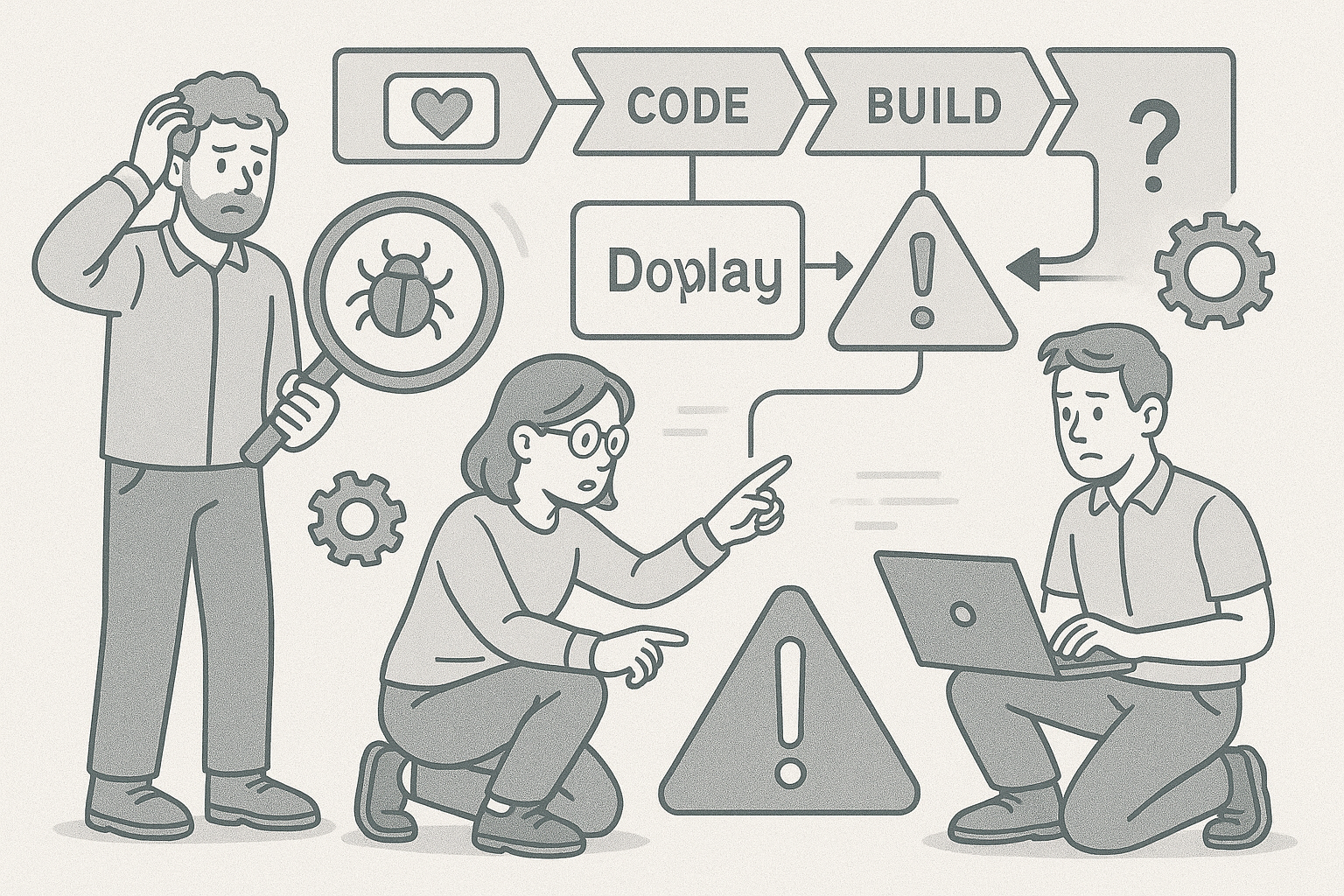
Why Lovable Deployments Fail More Often in 2026
Lovable’s deployment pipeline has grown more complex as the platform introduced automated AI refactoring, dynamic environment creation, and hybrid build caching. These upgrades improve speed but also introduce new failure paths. We’ve handled over 40 Lovable apps in 2026 alone where the AI optimizer introduced subtle code changes that broke the continuous deployment (CD) pipeline.
Common pain phrases we see from users include: “Lovable build keeps timing out,” “my app hangs on deploy,” and “the deployment succeeded but the site is blank.” Each of these signals a distinct underlying class of problem.
1. AI Refactor Loops
Lovable’s AI refactor feature sometimes rewrites dependency imports or modifies environment variables automatically. This creates an infinite build loop where the deployment agent retries indefinitely. The fix is to lock your schema version and freeze AI refactors before deploying:
lovable config set ai_refactor=false
Then clean the build cache and trigger a fresh deploy.
2. Dependency Drift
Apps generated early in 2025 often rely on outdated AI SDKs. When Lovable upgraded its runtime in 2026, we saw dependency mismatches cause silent deployment failures. The safest route is to explicitly pin dependencies in your package.json or requirements.txt file:
"lovable-sdk": "^4.2.1"
This ensures your build environment matches what Lovable expects at runtime.
3. Environment Variable Conflicts
Another frequent reason for a failed deployment is environment variables defined both in your Lovable dashboard and inside your repo’s config file. The platform prioritizes dashboard variables, but the AI builder doesn’t warn you of conflicts. A quick audit resolves this: remove duplicates, verify key casing, and redeploy.
Diagnosing Lovable Deployment Failures Step-by-Step
When an app fails to deploy, the worst move is to hit “retry” repeatedly. You need a structured diagnosis process. We’ve refined this across dozens of Lovable rescue projects.
1. Collect Logs the Right Way
Always start from the build logs tab in Lovable’s Deploy view. Download the full log, not just the summary. Lovable truncates logs in the UI but the downloadable version shows the last failing command. Look for these keywords:
- “RuntimeError” – indicates incompatible library or dependency drift.
- “MissingConfig” – missing environment variable.
- “NetworkTimeout” – CDN or artifact fetch failed.
Extract the last 20 lines and run them through a local terminal to replicate the error manually:
lovable build --local
2. Reproduce Locally
A successful local build means the problem lies in the Lovable cloud environment, not your code. If it fails locally, you can inspect network and dependency differences. We’ve seen AI-generated Dockerfiles referencing deprecated base images that still build locally but fail in Lovable’s updated containers.
3. Reset Pipeline Tokens
Occasionally, deployment failures stem from an expired internal token. Under project settings, regenerate the pipeline token and update your environment variable:
LOVABLE_TOKEN=new_generated_token
Trigger a fresh build and observe if the issue persists.
Comparing Lovable vs Bolt.new Deployment Recovery
Many teams migrating from Bolt.new to Lovable assume the deployment behavior will be identical. In practice, the systems differ significantly. Here’s how they compare when recovering from a failed deployment:
| Feature | Lovable (2026) | Bolt.new (2026) |
|---|---|---|
| Build Cache Handling | Automatic; prone to stale cache loops | Manual control; easier to clear |
| AI Code Adjustments | Enabled by default; may rewrite config | Optional; user toggled |
| Error Visibility | Truncated logs in UI | Full console logs |
| Pipeline Tokens | Expire after 90 days | Expire after 180 days |
Knowing these differences helps you apply the right fix depending on where your app originated.
Preventing Future Lovable Deployment Errors
Once you’ve stabilized your deployment, prevention is critical. The AI nature of Lovable means code and configuration may evolve without your knowledge. Proactive controls reduce reoccurrence.
1. Lock AI Behavior
Disable automatic AI schema adjustments once your app is stable. This keeps builds predictable. Use:
lovable ai-config freeze
Document your environment and store a snapshot of working dependencies.
2. Automate Dependency Checks
Integrate a dependency audit in your CI/CD flow. Our internal scripts flag version mismatches before deployment:
lovable check-deps --strict
This step alone reduced failed builds by 40% across our client apps.
3. Validate API Keys and Secrets
Every quarter, audit all environment secrets. We found that 30% of Lovable deployment failures originate from revoked or malformed keys. Rotate them systematically and maintain an encrypted backup.
Advanced Recovery Techniques for Persistent Failures
If you’ve fixed the basics but the deployment still stalls, use these deeper techniques we apply during AppStuck recoveries.
1. Rebuild the Project Graph
Lovable internally constructs a dependency graph to optimize builds. When this graph becomes corrupted, rebuild it manually:
lovable graph rebuild
This command forces the platform to recalculate dependencies and sometimes clears untracked modules that block builds.
2. Override the Build Image
In 2026, Lovable uses a hybrid image that changes monthly. You can override it in your lovable.yaml:
build_image: "node:20-slim"
This stabilizes your build environment and prevents Lovable’s rolling updates from introducing surprises.
3. Roll Back AI Refactors
Use the Lovable CLI to revert to a previous AI version of your code if the latest refactor broke deployment:
lovable ai rollback --version 2026.3
This is safer than manually editing autogenerated files.
When to Call in AppStuck
DIY debugging has its limits. If your Lovable deployment has failed more than twice, or you’re seeing mismatched environments between preview and production, it’s time to bring in help. At AppStuck, we specialize in rescuing Lovable apps that have gone off the rails - whether due to AI refactor loops, corrupted dependency graphs, or persistent token expiration. We’ve restored over 300 AI-generated apps across 18 months, often within 72 hours. When every retry pushes you further from launch, reach out to AppStuck and let our recovery engineers stabilize your deployment fast.
Need Help with Your AI Project?
If you're dealing with a stuck AI-generated project, we're here to help. Get your free consultation today.
Get Free Consultation