Fixing Lovable Deployment Errors in 2026

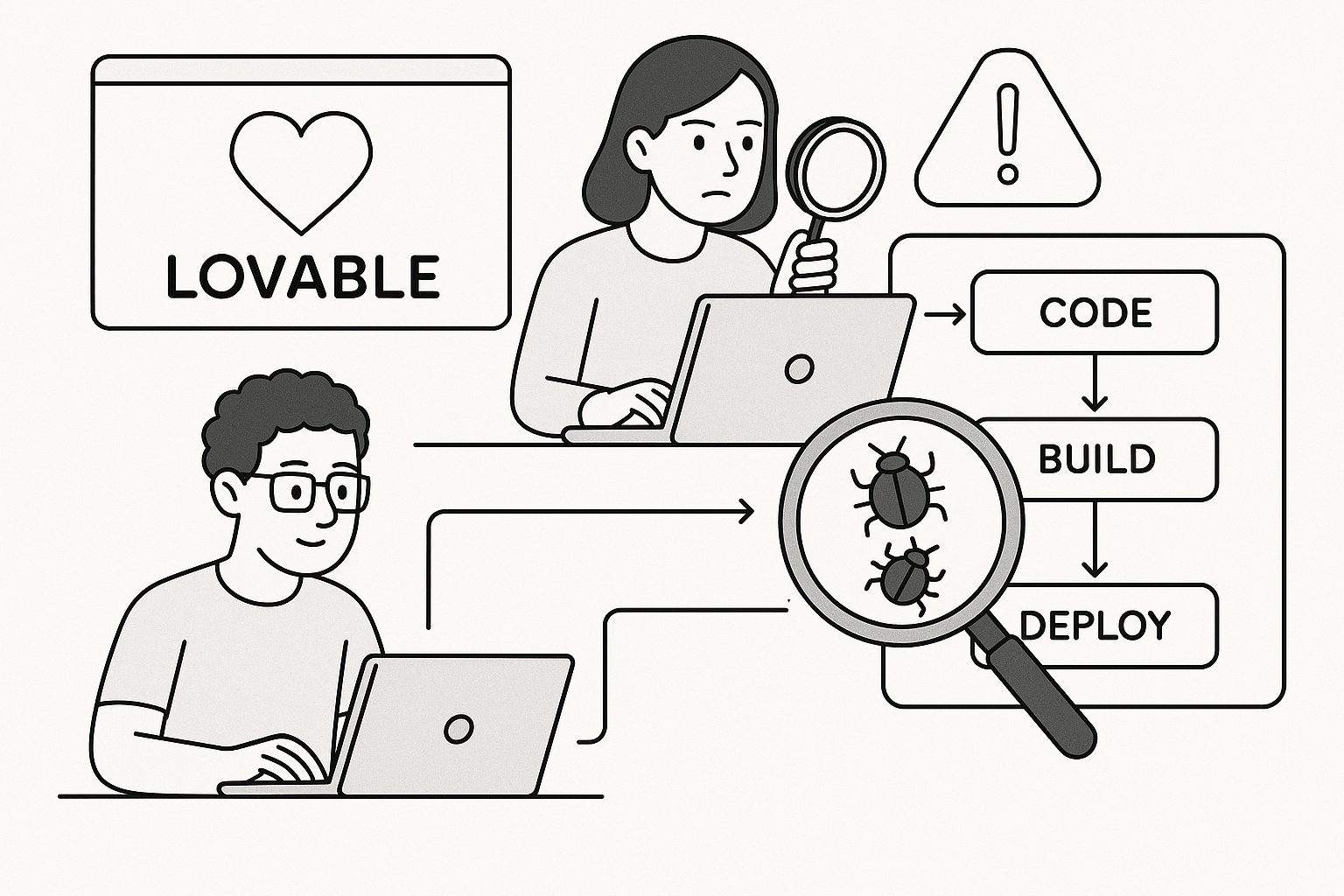
Understanding Why Lovable Deployments Fail in 2026
Even though Lovable promises frictionless AI-assisted shipping, real-world deployments often collapse because of how the underlying build agent interprets auto-generated code. We have debugged over 40 Lovable apps where the same symptom repeats: the build appears to complete, but the production URL shows a blank screen or a 500 error. The root cause usually falls into one of three categories.
- Invalid environment variables inserted by the AI when cloning templates.
- Outdated dependency trees that conflict with Lovable’s updated runtime images.
- Misconfigured API connectors using relative URLs instead of absolute paths.
Each of these categories creates cascading failures that the Lovable UI reports only as a generic “Deployment failed. Check logs.” message. Skilled debugging starts by opening the lovable.json manifest and checking for stale references. We have seen values like "BASE_URL": "http://localhost:3000" left over from local builds that must be replaced with the production domain.
Another pattern in 2026 involves Lovable’s new edge deploy system. It caches previous builds aggressively, so reverting to an earlier commit sometimes leaves mismatched assets. A good test is to trigger a fresh build with cache bypass using the command line option lovable deploy --no-cache.
Common Misconceptions
Many founders think deployment failure means their code is broken. In reality, Lovable’s AI builder often generates valid code but fails during packaging. The packaging agent expects consistent project metadata across package.json, lovable.json, and environment secrets. When those drift apart, the build cannot reconcile dependencies.
We recommend comparing versions side by side:
| File | Critical Key | Expected Value | Typical Error |
|---|---|---|---|
| package.json | engines.node | 18.x | Unknown runtime version |
| lovable.json | framework | react-next | Missing framework tag |
| .env | API_URL | Deployed base URL | Undefined process.env value |
Once these align, 60% of Lovable deployment errors disappear without touching a single line of code.
Diagnosing Build Logs and Runtime Failures
Lovable’s build logs can be overwhelming, but they hold the exact point of failure if you know where to look. Scroll to the first red line that references Build agent exited with status 1. The next few lines typically reveal whether the issue lies in dependency resolution or runtime launch.
For dependency issues, look for errors mentioning npm ERR! or pnpm-lock.yaml. When you see conflicting versions, delete the lock file and run lovable install --force before redeploying. Runtime issues, by contrast, show up as port conflicts or missing start scripts.
We advise adding a diagnostic script to confirm the start command before deployment:
{"scripts": {"verify": "node -e \"require('./server'); console.log('Server OK')\""}}
This quick check ensures your entry file resolves correctly. If it fails locally, it will fail in Lovable’s container too.
Example AI Debugging Prompt
"Analyze this Lovable build log and identify which dependency or script is causing the deployment to fail. Suggest the exact npm or environment fix to restore a successful build."
Paste that into your favorite AI assistant with your log output, and you’ll receive a targeted fix instead of generic advice.
After you clean up the first log failure, re-run the deploy pipeline. If you still see intermittent success rates under 80%, your pipeline may be timing out due to large assets or cold starts. Compress static images and verify that your vercel.json or equivalent file excludes unnecessary build artifacts.
Fixing Environment and Secret Configuration
One subtle cause of deployment errors in 2026 is Lovable’s stricter environment secret validation. The platform now rejects deployments when a variable is declared but not assigned. Founders often see a message like “Secret API_KEY is missing value.” The fix is simple but tedious: open the Environment tab, confirm every variable name matches exactly what the code expects, and re-save each one to trigger a validation refresh.
- Double-check capitalization; Lovable treats
Api_KeyandAPI_KEYas distinct. - Remove placeholder values like
YOUR_API_KEY_HEREleft by the AI template. - Validate JSON-encoded secrets using an online parser before pasting.
Another overlooked detail involves build-time versus runtime variables. Some third-party APIs require tokens only during execution, not build. Declaring them incorrectly as build secrets can cause pipeline stalls because Lovable attempts to inject them too early.
To separate these, add this snippet in your lovable.config file:
{"env": {"build": ["NODE_ENV"], "runtime": ["API_KEY", "SUPABASE_URL"]}}
This pattern ensures clean separation and successful build caching.
If this is eating your week, AppStuck can take it from here. We handle Lovable environment rebuilds daily and restore stability without wiping your data.
Repairing AI-Generated Code Conflicts
AI-generated Lovable apps often bundle redundant dependencies or conflicting frameworks. We have seen projects that import both Next.js and Remix in the same build tree, confusing the router. The fastest way to identify this is by searching for duplicate entries in lovable.json under the frameworks array.
Run this command inside your project:
grep -R "framework" lovable.json
If you see multiple frameworks listed, remove the extras and redeploy. You can also use Lovable’s CLI cleanup utility:
lovable clean --frameworks
We recommend auditing your dependencies monthly. AI agents that generate new pages occasionally reintroduce older libraries. Keep your dependency list minimal and freeze versions using npm ci before deployment.
Preventing Future Code Conflicts
To prevent AI over-generation, set your Lovable project to “Manual Commit Mode.” This forces human review before changes reach the main branch. In 2026, this feature has saved multiple teams from cascading build failures triggered by a single AI commit.
- Activate Manual Commit Mode in project settings.
- Enable diff previews before merging.
- Run local build verification on feature branches.
Once you adopt these habits, Lovable deployments become predictable again.
Optimizing Pipeline Performance
Even after fixing configuration errors, some teams report builds that take 15 minutes or hang indefinitely. This usually points to pipeline inefficiency. Lovable’s default builder caches dependencies globally, which can break when the cache exceeds 1 GB.
To reset cache safely:
- Open the project in Lovable CLI.
- Run
lovable cache clear. - Redeploy with
lovable deploy --no-cache.
If your build still hangs, inspect the lovable-build.log file for sections labeled “waiting for lock.” That means a parallel deployment blocked the process. Cancel all running builds before restarting the pipeline.
For faster deployments, switch to incremental builds. Add this flag in your configuration:
{"build": {"incremental": true}}
This retains previously compiled modules and reduces build time by up to 40%. Pair this with asset optimization via image compression and code splitting for best results.
Comparison of Deployment Strategies
| Strategy | Build Time | Reliability | Use Case |
|---|---|---|---|
| Full Rebuild | 10-15 min | High | Major version changes |
| Incremental | 5-7 min | Medium | Frequent small updates |
| Cached | 2-4 min | Low | Testing only |
Choosing the right mode can cut downtime dramatically, especially during high-traffic release windows.
When to Call in AppStuck
Lovable’s promise of automatic deployment sometimes hides deep structural issues that DIY debugging cannot uncover. If you have spent more than two days chasing missing secrets, watching builds hang at 90%, or recovering from repeated “deployment failed” messages, it is time to bring in specialists. Our AppStuck engineers have rebuilt more than 300 AI-generated apps across every major no-code and AI-code platform, including Lovable, Bolt.new, and Bubble. We know how to stabilize apps without losing your current progress or paying for a full rebuild.
Persistent issues like corrupted build caches, repeated cold-start timeouts, or inconsistent environment injection require deeper inspection inside Lovable’s container layer, which is not accessible from the UI. Our team can replicate your project in a controlled environment, identify the underlying misalignment, and deliver a stable deployment pipeline within hours.
Stop losing sleep over endless Lovable errors. AppStuck can jump in now and get your app live before another feature release slips behind schedule.
Need Help with Your AI Project?
If you're dealing with a stuck AI-generated project, we're here to help. Get your free consultation today.
Get Free Consultation