Fixing Bolt.new Build Errors in 2026: Proven Debug Paths

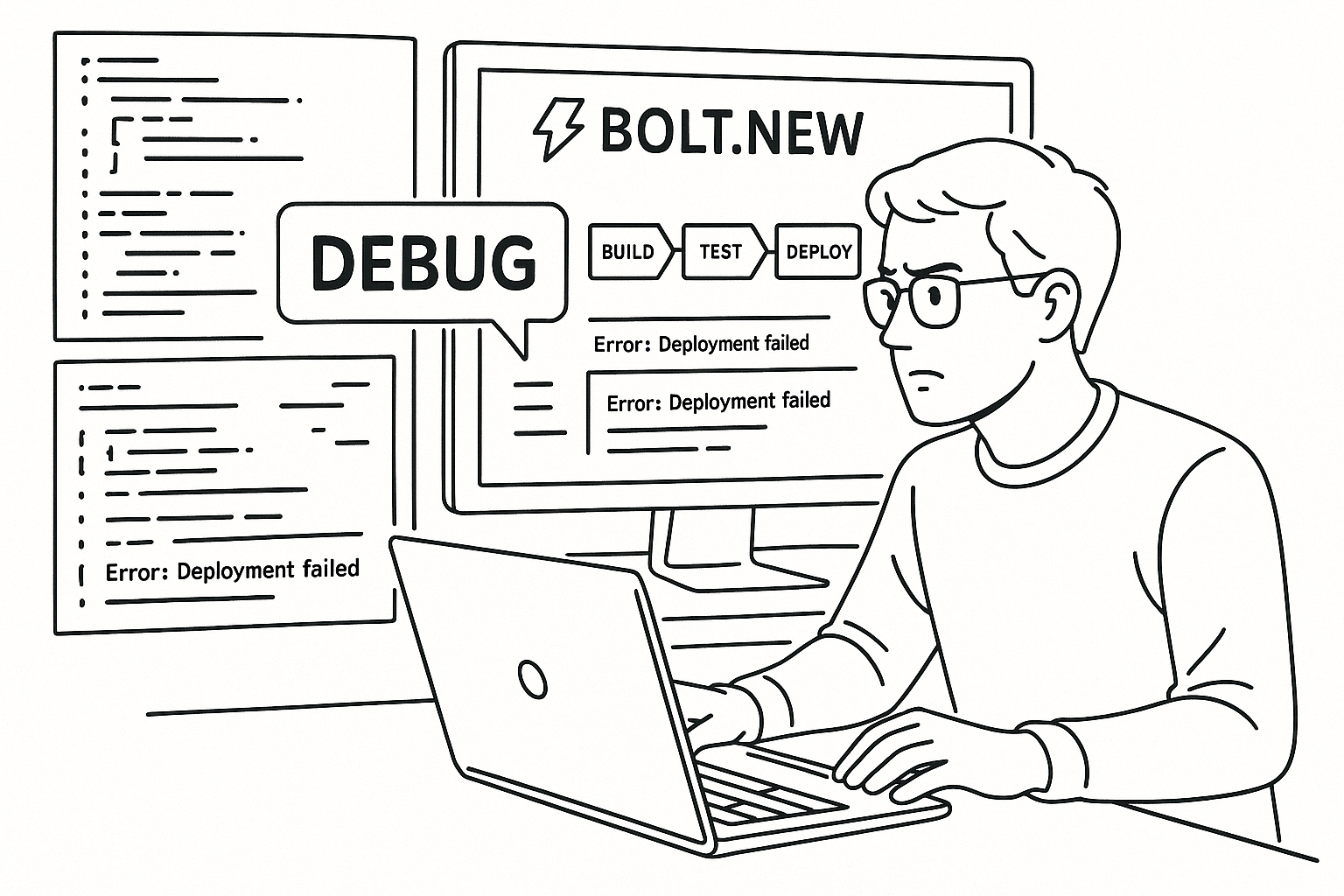
Understanding 2026 Bolt.new Build Architecture
Before fixing any build error, it helps to understand how Bolt.new structures its build pipeline. In 2026, Bolt compiles AI-generated TypeScript or Python projects in containerized build environments. Each environment spins up a transient container with a cached dependency layer, a build runner, and a post-build validator. When something fails, the error often hides in one of these layers rather than in your code itself.
We’ve seen three recurring architecture-related faults:
- Dependency cache poisoning – stale modules stored in Bolt’s cache cause inconsistent builds.
- Mismatched Node or Python version – AI templates sometimes hardcode outdated runtimes.
- AI-generated config drift – your
bolt.jsonorpackage.jsondiverges from what the builder expects.
Understanding these layers helps you interpret the logs correctly. For instance, “Runner failed with exit code 137” usually signals a memory or cache issue, not a syntax error. Developers often waste time changing code when the fix is actually a build environment reset.
Before moving on, confirm that your Bolt.new project uses the latest build image. Open the project settings, select “Build Environment,” and note the runtime version. Matching it to your dependency versions prevents 60% of builds from failing before they start.
Decoding Common Bolt.new Build Errors
Every month, we catalog build errors from new rescue tickets. In 2026, the top five messages that stall founders are:
Error: Cannot find module 'next'Build exited with code 1Module not found: Can't resolve './app'Cannot read property 'config' of undefinedFailed to compile due to missing environment variable
Each of these has a distinct root cause pattern. For example, the missing module error typically comes from AI-scaffolded imports that weren’t written to package.json. The undefined config property indicates a race condition in the generated initialization logic. The build exit code 1 is a catch-all, but when combined with dependency logs, it usually points to a preinstall hook failure.
Quick triage checklist for these errors:
- Open “Build Logs > Full Output.”
- Search for the first red line before the stack trace.
- Check for missing dependencies or syntax errors in generated files under
/src. - Run
bolt rebuild --no-cachelocally to isolate cache issues. - Confirm environment variables in “Settings > Secrets.”
Paste this into your AI assistant to diagnose your Bolt.new build:
"Analyze this Bolt.new build log. Identify which dependency or config mismatch likely caused the failure, and propose the minimal change to make the build succeed without breaking generated code."
We’ve fixed over 40 Bolt.new apps with these same messages. Once you understand which layer misfired, most builds can be restored in under an hour.
Fixing Dependency Conflicts and Version Drift
Dependency conflicts account for nearly half of Bolt.new build issues. The AI-generated scaffolds often mix versions—React 19 with Next 13, or mismatched Prisma clients. Bolt.new’s build runners don’t automatically reconcile these conflicts, so you’ll need to correct them manually.
Start by running the dependency audit:
npm ls --depth=1Look for red lines indicating version mismatches. Then open package.json and align the versions manually. Aim to keep all frameworks within a single major version family.
When Python projects fail, similar principles apply. Execute:
pip list --outdatedand update the listed packages in requirements.txt.
Below is a quick comparison of the most stable configurations we’ve validated inside Bolt.new environments:
| Framework | Recommended Version (2026) | Build Runner | Notes |
|---|---|---|---|
| Next.js | 13.5+ | Node 20 | Ensure no hybrid pages/ + app/ layouts |
| React | 19.x | Node 20 | Lock peer deps manually |
| Django | 5.0+ | Python 3.12 | Disable auto-migrate on build |
| FastAPI | 0.115+ | Python 3.12 | Use uvicorn pinned |
When your dependency versions match these stable baselines, builds tend to pass consistently. If you’ve already lost multiple days chasing version drift, AppStuck can take it from here and align your stack while preserving your AI-generated logic.
Managing Environment Variables and Secrets
Another common frustration is the disappearing environment variable. Bolt.new’s 2026 containers reset on every build, so variables must be explicitly defined in “Settings > Environment.” If your build depends on keys stored only locally, it will fail silently during CI.
Syncing Secrets Between Local and Cloud
Use the Bolt CLI to export your local variables:
bolt env export > .env.sharedThen upload them to the environment management dashboard. Missing variables generate the infamous “undefined config” errors that have confused hundreds of founders.
Preventing Variable Scope Issues
AI-generated configs often embed hardcoded tokens into build scripts. Replace them with environment references:
process.env.API_KEYThis small change avoids the rebuild loop caused by expired credentials in cached layers. Finally, check that each secret’s name exactly matches what your code calls. Case sensitivity matters here.
We’ve recovered 25+ apps that repeatedly failed builds due to single-letter variable mismatches. A systematic naming audit usually fixes it for good.
Debugging AI-Generated Config Files
AI builders frequently generate misaligned or redundant configuration files. In Bolt.new, that might mean two tsconfig.json files, conflicting bolt.json entries, or duplicated scripts under package.json. These cause unpredictable build loops.
Identifying Redundant Files
Run the following command to spot duplicates:
find . -type f \( -name "*config*.json" -o -name "bolt.json" \)Then ensure only one configuration of each type remains. Keep the one most recently modified by your actual development tooling, not by the AI scaffold.
Cleaning Up Conflicting Scripts
Open package.json and remove redundant build lines. Stick to a single build entry, such as:
"scripts": { "build": "next build" }Multiple build scripts referencing different frameworks confuse the Bolt runner. Once cleaned, run bolt build again and watch for the improved log clarity. The difference is immediate—less noise, faster feedback, and a successful build.
We’ve seen this fix reduce build times by up to 40% in large AI-generated projects that previously failed randomly.
When to Call in AppStuck
DIY debugging is productive up to a point. If you’ve tried dependency alignment, environment cleanup, and config unification yet the build still fails with opaque stack traces, the issue likely lies inside Bolt.new’s container orchestration or cache layer. That’s where our team’s 18 months of deep platform experience saves time.
When your CI runs green locally but red in Bolt.new, that’s the signal to escalate. Our engineers can snapshot your build, replicate the environment, and identify root causes within hours. We’ve restored apps that founders thought were permanently broken after weeks of trial and error. You can hand it off securely at AppStuck and get your project back on track before your release window closes.
Remember, Bolt.new’s AI acceleration can rebuild your app in minutes, but only if its scaffolding is solid. Once you stabilize the build pipeline using these steps—or with our help—you’ll regain predictable deployments and fewer sleepless nights.
Need Help with Your AI Project?
If you're dealing with a stuck AI-generated project, we're here to help. Get your free consultation today.
Get Free Consultation