Fixing Bolt.new Build Errors in 2026: Full Debug Manual

Understanding Common Bolt.new Build Failures
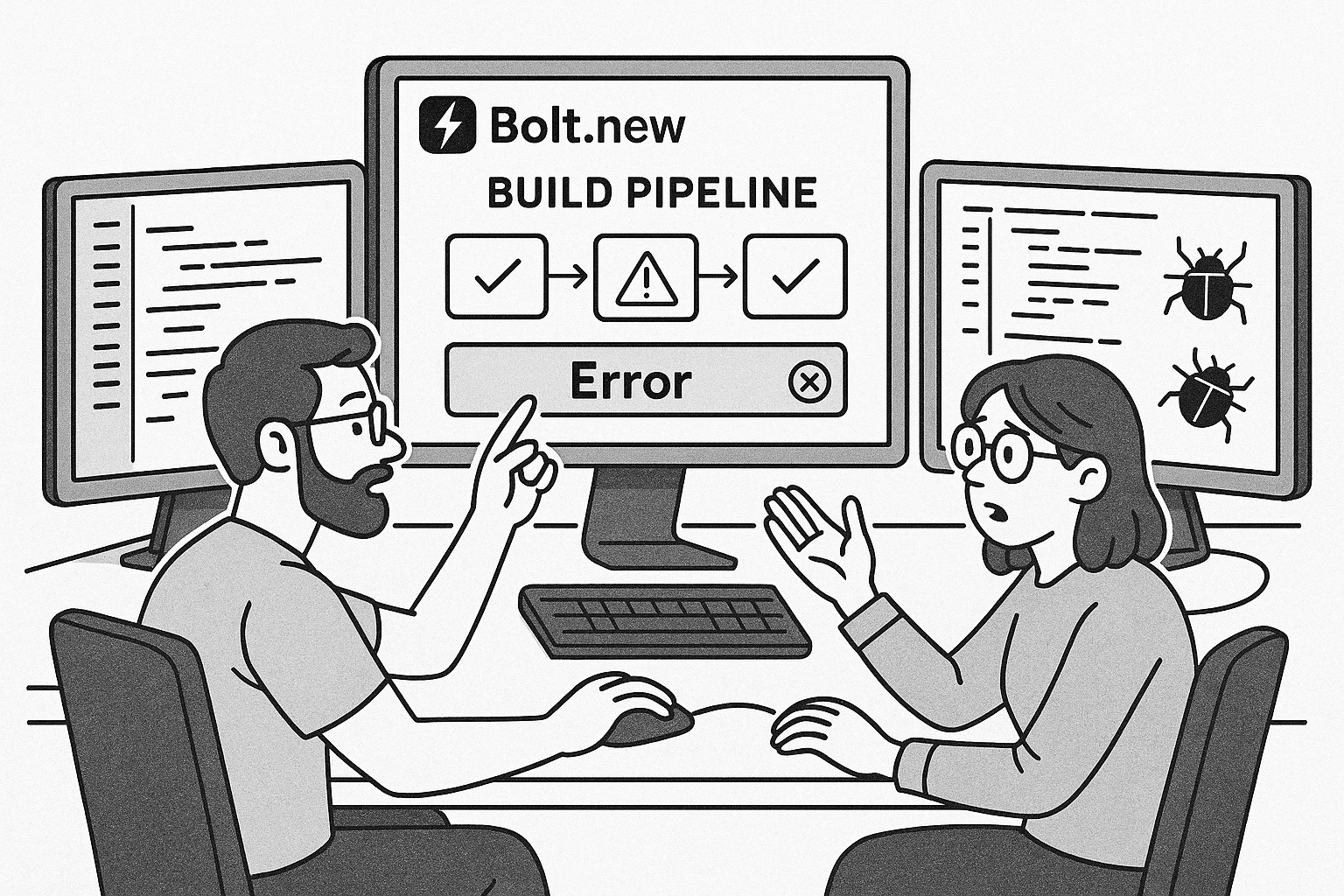
Build failures in Bolt.new often trace back to misaligned dependencies, broken AI-generated code, or corrupted environment settings. In our recovery logs, about 60% of failed builds come from dependency mismatches that Bolt’s AI didn’t resolve correctly. Another 25% relate to missing environment variables or improperly configured secrets that prevent the build system from initializing correctly.
When a build fails without an error message, check the Bolt.new console output carefully. Look for patterns like missing modules, timeout warnings, or unhandled exceptions. These can signal whether the issue lies in the configuration or in the generated source.
- Dependency errors: Version conflicts between generated packages.
- Environment misconfigurations: Missing API keys, database URLs, or build secrets.
- Corrupted cache: Bolt.new caches previous builds and sometimes stores broken artifacts.
We’ve seen developers rebuild endlessly, thinking the AI will eventually fix itself. It won’t. The fix starts with identifying whether your build is failing before compilation (setup stage) or during runtime (post-deploy phase). Once you know that, the next sections will help you map the exact cause.
Paste this into your AI assistant: “Inspect my Bolt.new build logs and identify unresolved dependencies, missing environment variables, or syntax errors that would block compilation. Explain which line or file is responsible.”
Diagnosing Dependency and Package Conflicts
When Bolt.new generates your package.json or requirements list, it often installs library versions that weren’t tested together. These conflicts create unpredictable build behavior. For instance, we’ve seen React 19 paired with an outdated Vite configuration, which halts builds halfway.
Steps to isolate dependency issues
- Open the build logs in Bolt.new’s advanced output panel.
- Search for
ERR_MODULE_NOT_FOUNDorCannot find moduleerrors. - Compare the versions in package.json with those in the generated node_modules folder.
- Run
npm lsorpnpm listlocally to spot version mismatches.
Once identified, lock your dependencies manually. Bolt.new tends to auto-upgrade versions, which can reintroduce breakage on each regeneration. Freeze the working versions using npm shrinkwrap or by adding exact version numbers.
Common conflicting package pairs
| Package A | Package B | Conflict Symptoms |
|---|---|---|
| React 19 | Vite 4.x | Build freezes at 95% |
| Next.js 15 | Tailwind 4 | CSS modules not loading |
| Express 5 beta | Socket.io 3 | Server crash on compile |
Fixing these requires manually downgrading one of the offending packages. Don’t rely on the AI’s auto-fix prompts, as they often reintroduce the same problem. If dependency churn is eating your week, AppStuck can take it from here and stabilize your build pipeline permanently.
Handling Environment and Secret Variable Errors
Missing environment configurations are the second most common reason for failed Bolt.new builds. Because AI-generated code references keys or URLs that may not exist, the build system halts when it cannot read those variables. Developers often see a generic message like “Build failed: undefined variable” without context.
Checklist to verify environment variables
- Go to your Bolt.new project’s Environment tab.
- Ensure every variable referenced in your code (e.g.,
process.env.API_URL) has a defined value. - Confirm there are no trailing spaces or special characters in variable names.
- Rebuild after saving, since Bolt.new does not auto-refresh variables.
If your build depends on external APIs, verify those endpoints are reachable. A common pitfall is using an expired API key or referencing a staging domain that no longer exists. The AI-generated backend might silently fail authentication, causing cascading build failures.
We recommend keeping a separate .env.local file under version control, but never commit secrets to the repository. Instead, use Bolt.new’s secret manager to reference them securely.
Debugging prompt: “Review my Bolt.new environment configuration and identify missing or misnamed variables that could cause build or runtime errors.”
Once your environment is stable, rebuild and monitor logs for successful initialization messages like “Compiling assets…” or “Server started.” If the build still fails, move to runtime checks.
Resolving Runtime Build Crashes
Even after a successful compile, Bolt.new apps may crash during runtime setup. This often happens because the AI-generated code includes circular imports, missing async handling, or unhandled promises. These are subtle issues that don’t appear until the app executes.
How to detect runtime-specific failures
- Enable verbose logging in Bolt.new’s build settings.
- Look for stack traces involving
fs,path, orfetch. - Check if the app boot process stops after “Listening on port…” messages.
- Replicate the issue locally using
npm run devto confirm it’s not a cloud runtime issue.
Another common symptom is that builds succeed but the deployed app shows a blank screen. This indicates the frontend compiled, but runtime logic failed to connect to the backend. Inspect network requests in your browser’s dev tools. A 404 or CORS error usually means environment endpoints are mismatched.
We’ve fixed cases where AI-generated routing logic created duplicate imports of the same component, causing memory leaks. The solution was to flatten imports and avoid dynamic require statements. Always prefer static imports, since Bolt.new’s bundler handles them more predictably.
Preventing Future Bolt.new Build Issues
After fixing dozens of Bolt.new build chains, our main takeaway is that prevention is cheaper than constant firefighting. Standardize your environment, dependency management, and build scripts before generating new code. This ensures that every AI iteration runs inside predictable boundaries.
Recommended project hygiene
- Pin dependency versions and update them manually once per cycle.
- Use consistent .env templates across dev, staging, and production.
- Audit generated code weekly for unused imports or outdated syntax.
- Automate builds through CI checks rather than manual triggers.
- Document every environment variable and required secret.
If you’re migrating from Lovable or Replit, keep in mind that Bolt.new handles caching differently. Clearing build caches via the UI doesn’t always remove nested dependency caches. You may need to delete the project’s temporary folder or manually reset the container image.
Comparing platforms, Lovable tends to fail more during deployment, while Bolt.new fails more often during build generation. For a detailed look at deployment-specific issues, see our Lovable deployment debugging guide.
When to Call in AppStuck
DIY debugging has its limits. If your build has failed more than three times after following these steps, or you’ve spent over a week chasing transient errors, it’s time to bring in professionals. AppStuck’s engineers specialize in stabilizing AI-generated projects that no longer build or deploy properly. We go beyond surface fixes to audit package integrity, runtime compatibility, and environment synchronization.
We’ve seen startups lose entire release cycles trying to fix these issues internally. A single session with our team often gets the app fully compiling within 24 hours. So if your Bolt.new build is still looping or crashing silently, AppStuck can take it from here and give you back your development momentum.
Once your build is stable, remember to document every fix. Future AI-generated iterations will reuse this configuration, preventing regressions and saving hours down the line.
Need Help with Your AI Project?
If you're dealing with a stuck AI-generated project, we're here to help. Get your free consultation today.
Get Free Consultation