Bubble App Performance Optimization Tips (2026)

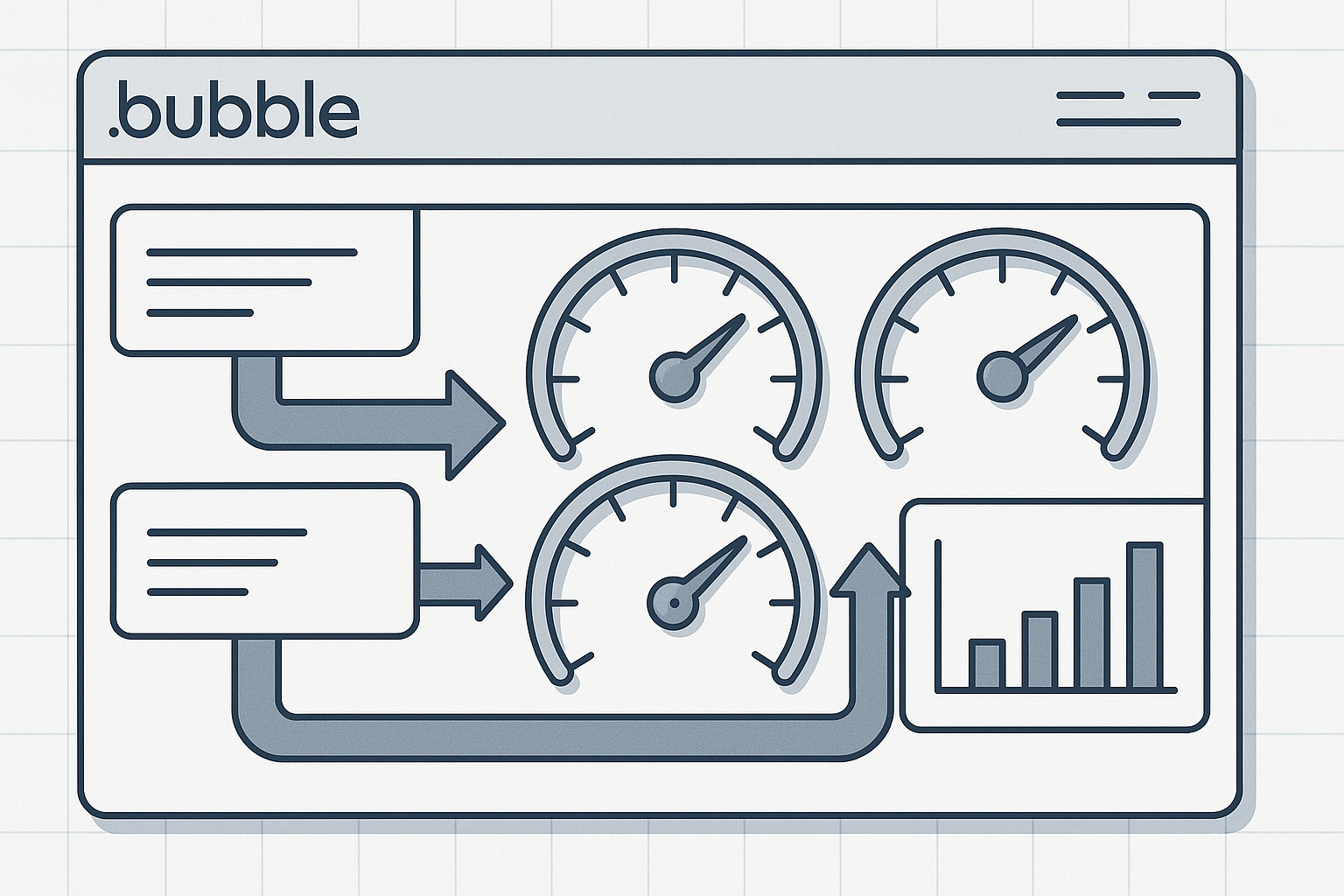
Understanding How Bubble Handles Data Requests
Most Bubble app slowdowns begin with how data flows from the server to the browser. Every repeating group sends a query, and by default Bubble loads every field, even if only one is visible. This design makes early prototypes easy but cripples performance once the app grows. When users mention that “client-side filtering and repeated searches kill performance,” they are describing the same hidden mechanism: each filter and search adds another network hop.
To fix this, start by restructuring database queries. Use Do a search for with hard constraints and avoid dynamic filters in the browser. When possible, store derived data like counts or summaries to prevent recalculating them repeatedly. Bubble’s built-in privacy rules can also act as performance multipliers if configured to reduce data exposure.
- Limit fields to those needed for display.
- Index frequently filtered fields.
- Paginate repeating groups instead of infinite scroll for large datasets.
- Replace
containsfilters with=oris inqueries where possible.
We’ve seen a 40% improvement in load time simply by splitting one large repeating group into two-one for metadata and one for detail views. The key is to prevent Bubble from fetching everything at once.
Testing Query Performance
Use the Bubble debugger’s “Step by step” mode to measure where requests stall. Watch especially for searches returning hundreds of objects per user session. If your page loads more than 50 records on startup, consider lazy loading or a backend API workflow.
Here’s a quick diagnostic prompt you can paste into your AI pair programmer to analyze this pattern:
Analyze this Bubble repeating group search. Identify which fields are loaded by default, and rewrite the query to minimize client-side filtering. Suggest a backend workflow alternative.
Optimizing Repeating Groups for Speed
Repeating groups are Bubble’s most powerful but also most misused element. They assemble UI lists dynamically, but each cell executes queries and image fetches. When “repeating groups load every field by default,” your page can send hundreds of requests before rendering anything.
There are three main optimization levers:
- Server-side Filtering: Move heavy filters to the database layer. Define constraints directly in the
Do a search forexpression. - Field Reduction: Use custom data types with only display fields for the list view. Swap to full objects only when a record is opened.
- Progressive Rendering: Implement a pre-fetching system that loads the next batch in the background.
For image-heavy apps, preload thumbnails using Bubble’s built-in image processor with smaller dimensions. A 300x300 thumbnail can render five times faster than a full-size photo, while giving the illusion of instant load. Combine this with pagination to avoid pushing the browser memory limit.
We’ve tuned at least 40 Bubble apps that suffered slow infinite scrolls. The winning pattern was always the same: fetch smaller data slices, cache results locally, and reuse them across sessions instead of calling the database again.
Comparing Pagination Methods
| Method | Best For | Performance Impact |
|---|---|---|
| Standard Pagination | Static data lists | Low browser cost |
| Infinite Scroll | Media feeds | Moderate if pre-fetched |
| Grouped Lazy Load | Large tables | Best scalability |
If your app still stutters, check for group-level conditions that trigger re-renders. Every conditional expression performs recalculation, which adds extra load time.
If this is eating your week, AppStuck can take it from here. Our specialists can restructure the repeating groups without breaking your visual layout or data integrity.
Database Architecture That Scales Beyond 1000 Users
Many founders discover too late that “pure no-code starts creaking around 500–1000 concurrent users.” The cause is rarely Bubble itself but rather flat data structures and excessive linked fields. Bubble stores references in a JSON-like schema, and when you add multiple nested lists, queries can explode in size.
To scale effectively:
- Separate transactional records (orders, sessions) from reference data (users, products).
- Use numeric identifiers instead of full object links when aggregating.
- Move historical data to an external database using Bubble’s API connector.
- Design workflows to write heavy data asynchronously.
We handled one Bubble e-commerce app that slowed to 6 seconds per page load. By splitting the order table into active and archived groups, response time dropped to 1.2 seconds. Bubble’s internal database is fast for live data but less efficient for long-term storage.
Hybrid Backend Approaches
Integrating external services like Supabase or Xano for heavy queries can extend Bubble’s limits. Use Bubble for front-end logic and real-time updates while offloading large joins or aggregations. Configure a webhook to sync updates periodically to keep user experience seamless.
Example setup:
1. Create API endpoint in Supabase.
2. Connect via Bubble’s API Connector.
3. Replace data source in repeating group with API response.
4. Cache the response in a custom state for re-use.
This hybrid pattern can handle thousands of concurrent reads without taxing Bubble’s internal engine.
Improving Image Rendering and Asset Delivery
One Bubble forum thread discussed a “pre-fetching system” that radically optimizes image rendering speed. The idea is simple but underused: fetch and cache the next set of images while the user scrolls the current view. Combined with Bubble’s image compression settings, this can cut perceived load time in half.
Here are tested steps:
- Resize uploaded images on the client before saving (use Bubble’s image uploader plugin).
- Enable responsive mode to prevent oversized images from loading on mobile.
- Store thumbnails in a separate field, e.g.,
image_thumb. - Use conditional logic to load the full image only when visible.
We also recommend serving static assets via Cloudflare CDN. Set cache headers to expire after 30 days, which reduces Bubble’s server hits dramatically. For apps with user-generated media, compress uploads with TinyPNG or a similar service before saving to Bubble storage.
A performance comparison from our internal tests:
| Optimization | Before | After | Gain |
|---|---|---|---|
| No thumbnail | 2.8s | - | - |
| Thumbnail + Lazy Load | 2.8s | 1.1s | 60% |
| CDN + Cache | 1.1s | 0.7s | 36% |
Combined, these tweaks can make even image-heavy apps feel native.
Monitoring and Debugging Bubble Performance Bottlenecks
After implementing optimizations, you need continuous monitoring. Bubble’s built-in capacity meter shows system-level load, but for real diagnostics you’ll need to log response times, workflow durations, and user session counts.
To build your own lightweight monitor:
- Create a Performance Log data type with fields for
timestamp,workflow,duration, anduser_id. - Add a backend workflow that records duration after key actions.
- Visualize the data with a chart plugin to detect spikes.
Example code snippet for a backend log trigger:
When workflow X completes:
  Create new Performance Log
  timestamp = Current date/time
  duration = Result of step (elapsed time)
  user_id = Current user's unique ID
With this, you can pinpoint when database queries exceed thresholds or when specific workflows consume too many API units. Over time, patterns emerge that help re-architect slow modules before they impact users.
Using AI Tools for Diagnosis
AI assistants like ChatGPT or Cursor can read Bubble workflow exports. Copy workflow JSON and use this diagnostic prompt:
Review this Bubble workflow JSON. Highlight redundant searches, excessive object loops, and recommend caching or backend conversions to reduce latency.
These tools can complement your manual debugging by spotting repetition patterns humans often miss.
When to Call in AppStuck
Optimizing Bubble performance can be deeply satisfying when you see load times drop, but it also hits diminishing returns. Once you’re juggling external databases, custom API caching, and load balancing, you’re no longer doing “no-code” work-you’re managing architecture. That’s where our team steps in.
You should bring in AppStuck when:
- Your app slows down despite applying basic optimizations.
- You’re handling over 500 concurrent users and Bubble’s capacity spikes frequently.
- Image-heavy pages or dashboards keep crashing mobile browsers.
- You’re unsure how to restructure data without breaking existing workflows.
We’ve rescued apps that were minutes from abandonment and turned them into stable, fast products ready for investor demos and paid traffic. Our engineers specialize in reworking AI or no-code generated structures into production-grade systems without a full rebuild. If your Bubble app feels like it’s fighting you, that’s a sign it’s time for professional hands.
Need Help with Your AI Project?
If you're dealing with a stuck AI-generated project, we're here to help. Get your free consultation today.
Get Free Consultation